From card to keepers.
Fast.
Open a memory card and every shot is there — no import, no catalog. One key to reject, one to favorite, and the next photo is already on screen.
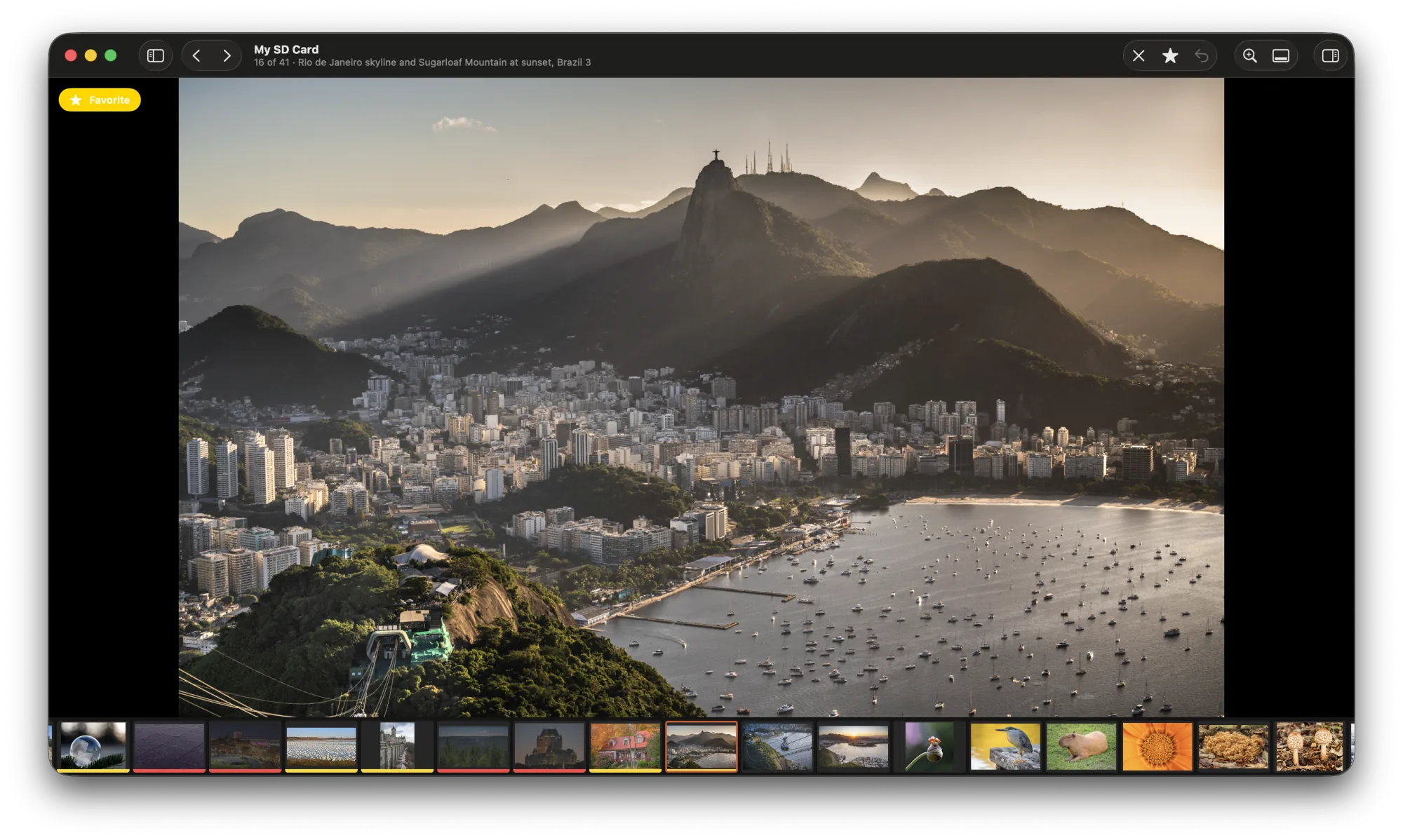
A whole shoot in one pass.
Look at each photo once and decide. Culla keeps up, however fast you go.
Insert the card
Plug in a memory card or an external disk, or open any folder. Photos appear while Culla is still scanning, so you can start right away.
Decide with one key
Reject, favorite or keep — and the next photo is already there.
Walk away with keepers
Rejects move into _Culla_Rejected, favorites into _Culla_Favorites — on the card itself. Import the keepers into any editor; delete the rejects when you're sure.
RAW, JPEG and sidecars move as one.
Shoot RAW + JPEG? It's one photo in Culla. The pair and its .xmp sidecar always travel together.
- Shots appear in the order they were taken — even across folders and cameras.
- The inspector shows camera, lens, focal length, aperture, shutter speed, ISO and every file the photo is made of.
- Collections for All, Kept, Favorites and Rejected, with live counts.
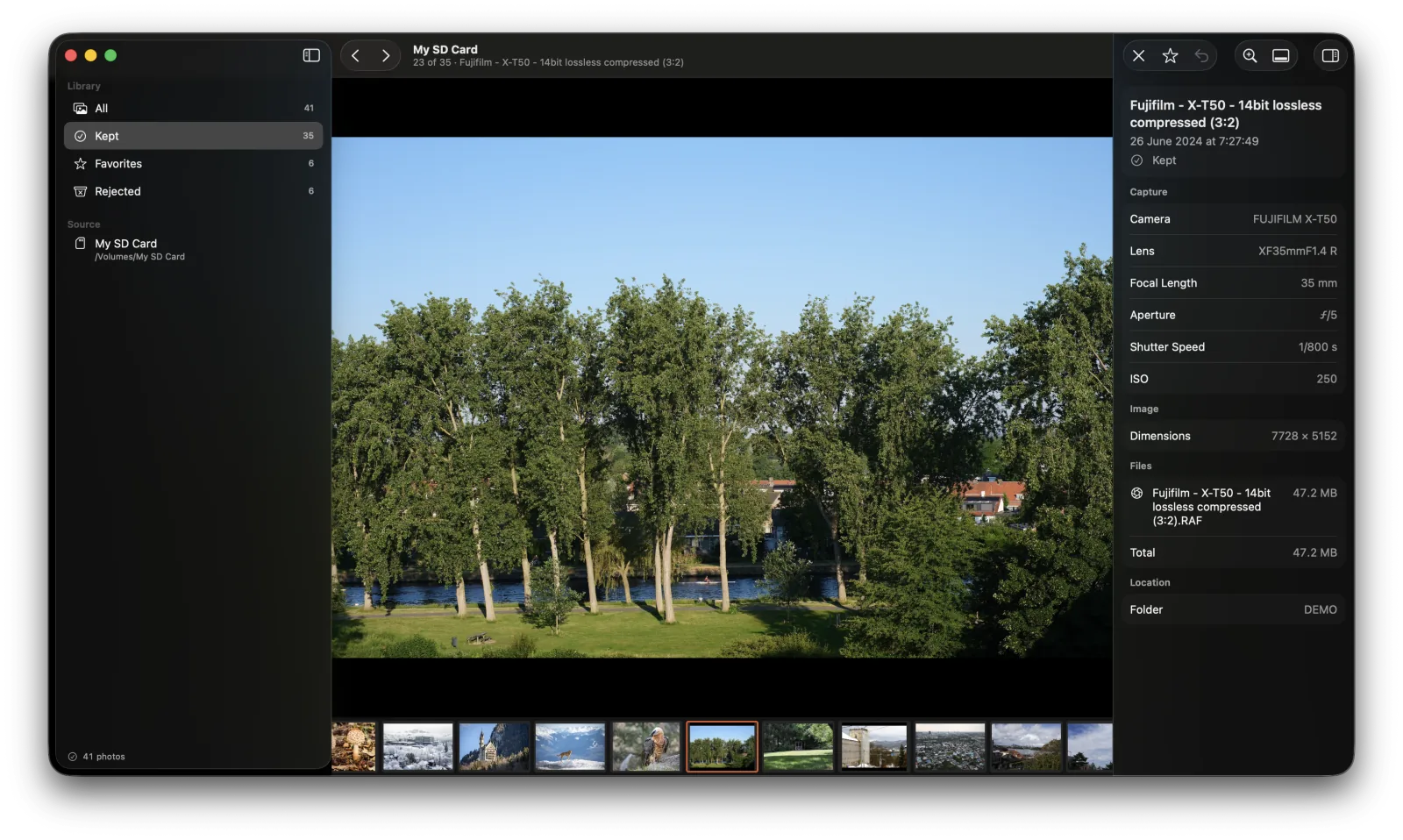
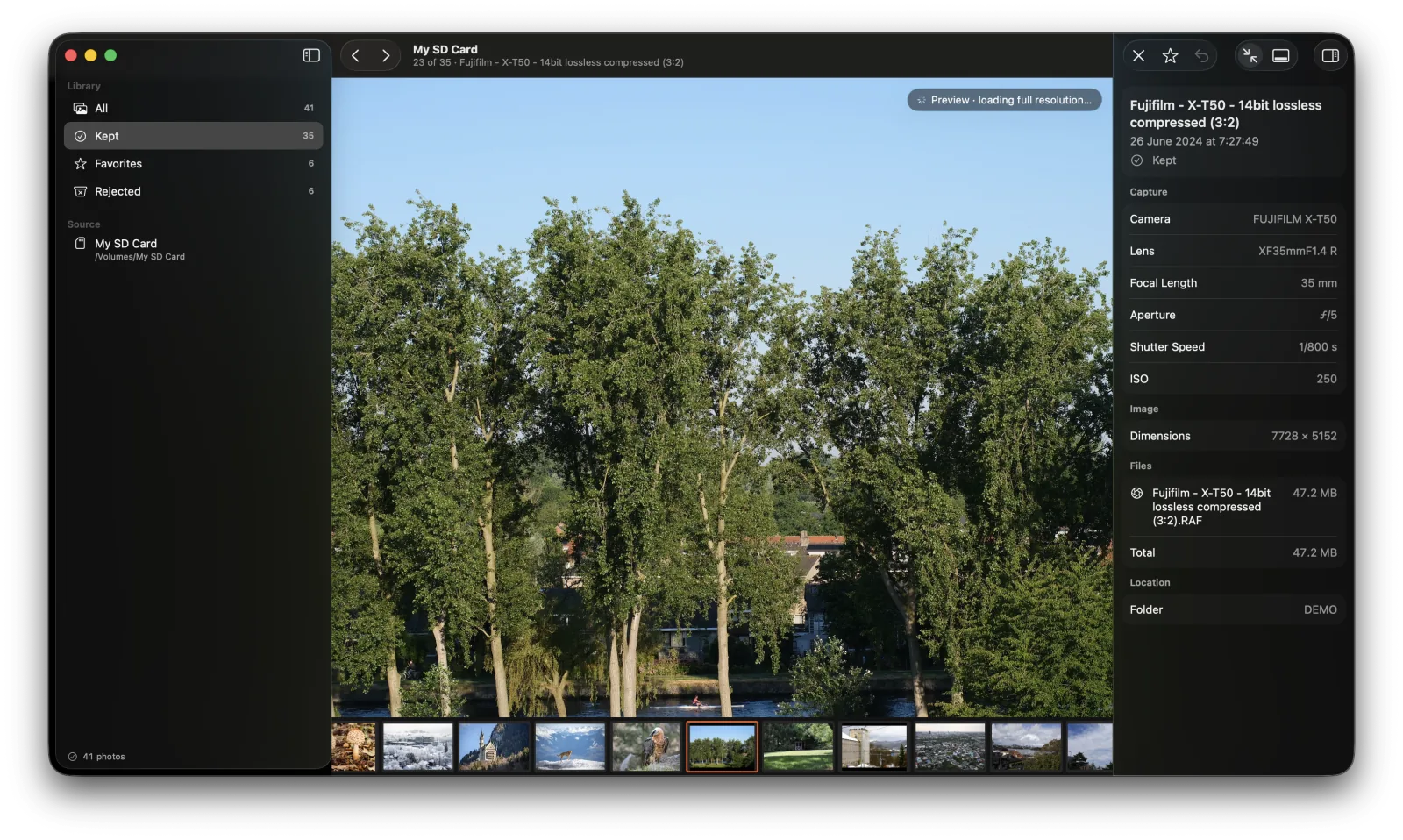
Zoom in. Full resolution, instantly.
Press Space to zoom in on the details. Culla loads the full-resolution image while you look — pinch to zoom further, drag or scroll to look around.
Fast, without the fear.
Culla works directly on your card, so it's careful with every file.
Never deletes a photo
Marking a photo moves its files into a folder next to the others. Restoring moves them back.
Unlimited undo
Every reject, favorite and restore can be undone and redone, as many steps back as you like.
Burst-proof keys
Holding a key doesn't repeat Reject or Favorite, so you can't mark a whole burst by accident.
Survives a pulled card
If the card comes out mid-move, Culla finds the affected photos on the next scan and puts them back together.
Respects locked cards
Read-only cards are detected, so nothing is changed by mistake — you can still look through everything.
Never overwrites
If files with the same name exist in two places, Culla leaves both alone and flags them for you.
Every card picks up where you left off.
Each card or folder you open becomes a project with its own window. Culla remembers the photo, the collection and your layout — and shows which cards are plugged in.
- Shortcuts you can change, that follow key positions — so they work with any keyboard layout.
- Light and dark appearance, and respect for Reduce Motion.
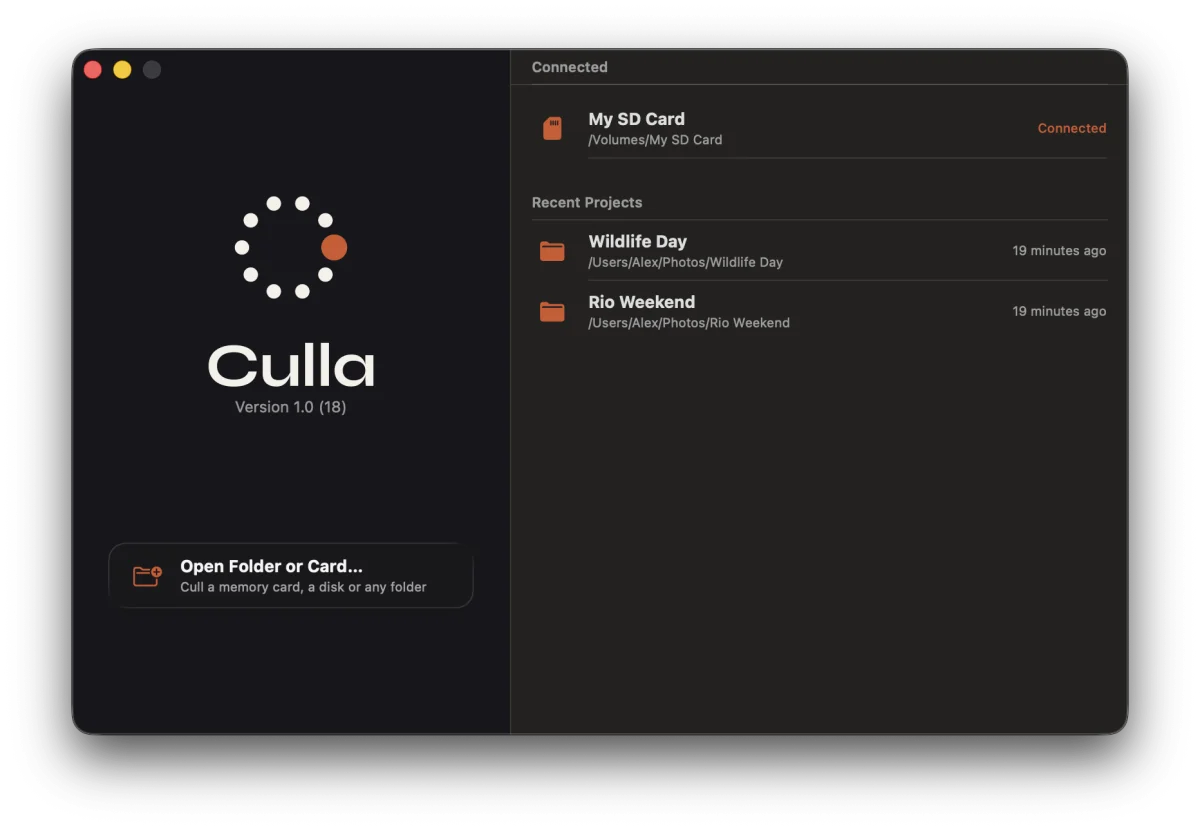
Your photos never leave your Mac.
Culla works entirely offline. It doesn't collect, upload or share anything — it only touches the folders you open.
Questions, answered.
Does Culla delete or change my photos?
No. Rejecting or favoriting a photo moves its files into _Culla_Rejected or _Culla_Favorites at the top of the card or folder, keeping the original folder structure inside. Restoring moves them back. Culla never deletes anything — when you're sure, you delete the rejects yourself in the Finder.
Do I have to import photos first?
No. Culla works right on the memory card, an external disk or any folder. Open it and start — photos appear while Culla is still scanning.
Which formats are supported?
RAW files from most cameras — RAF, CR3, CR2, NEF, ARW, ORF, RW2 and DNG — plus JPEG and HEIC/HEIF. A RAW file, its JPEG or HEIC twin and its XMP sidecar are treated as one photo. RAW decoding is done by macOS, so support for very new cameras arrives with macOS updates.
Will it work with my photo editor?
Yes. Your card stays a plain card with plain folders. After culling, import the keepers into whatever you edit with; sidecar files stay next to their photos.
What do I need to run Culla?
A Mac with macOS 26 or later. Culla runs natively on Apple silicon and Intel Macs.
Is it a subscription?
No. Culla is a one-time purchase on the Mac App Store.